


What will you learn?

 Modality: Pre-recorded
 Duration: 5 Hours.
 Level: Intermediate
Couldn't load pickup availability
SYLLABUS
https://drive.google.com/file/d/1_DzXJp7C3hJ0UgQOxbsjf-SiBS6TxDRK/view?usp=drive_link
THE COURSE INCLUDES:
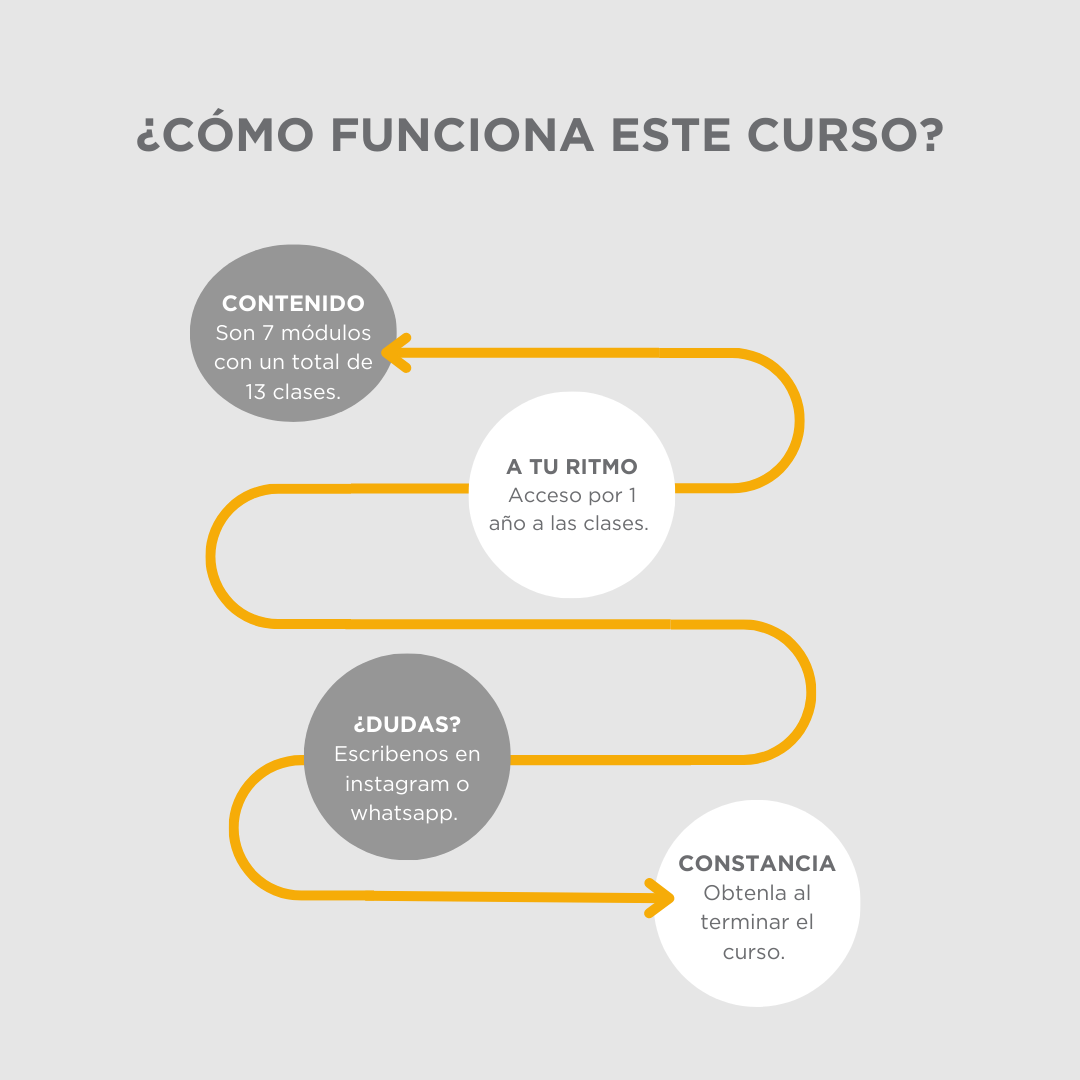
One-year access to the course
Unlimited support for one year
Course completion certificate
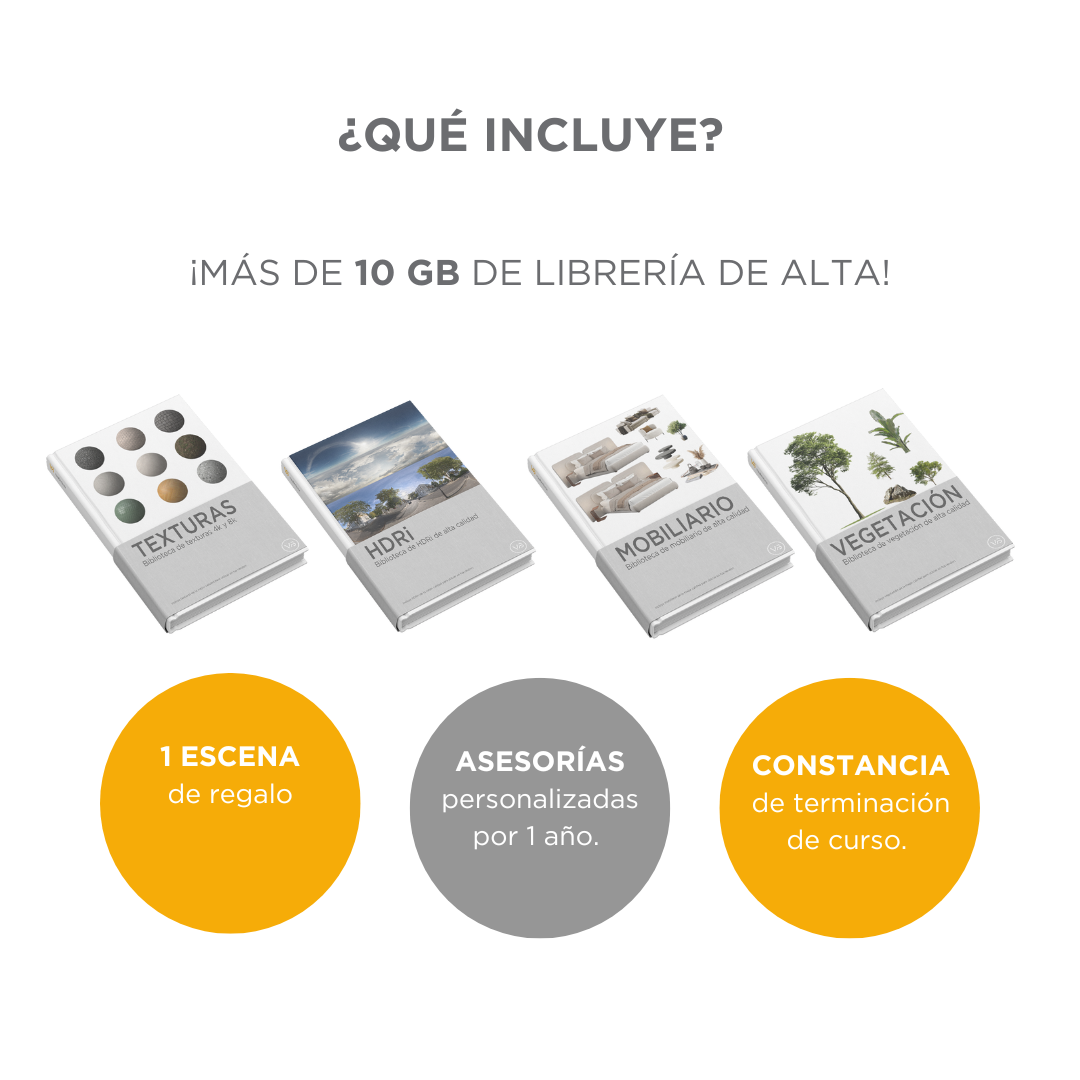
Texture, props, and vegetation library
With this SketchUp + V-Ray 7 rendering course, you will learn how to communicate effectively with your clients. Join the VB community of more than 6,000 students!
Learn at your own pace
Previous knowledge of rendering with SketchUp + V-Ray is required.
Enjoy learning from home, with no fixed schedules and at your own pace. You decide when to continue with each unit.
Programs used
 SKETCHUP
 V-RAY
V-RAY
 KREA
KREA
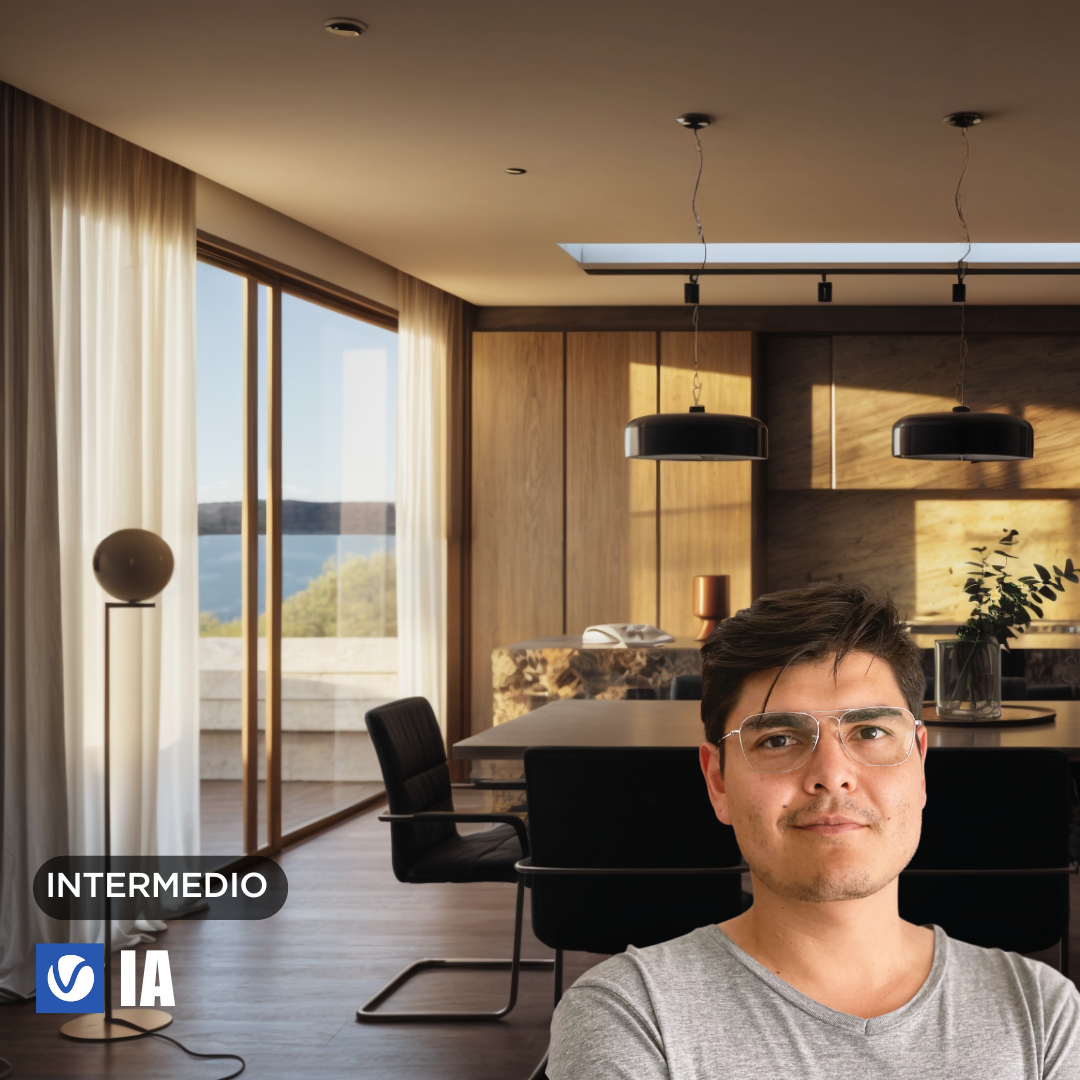
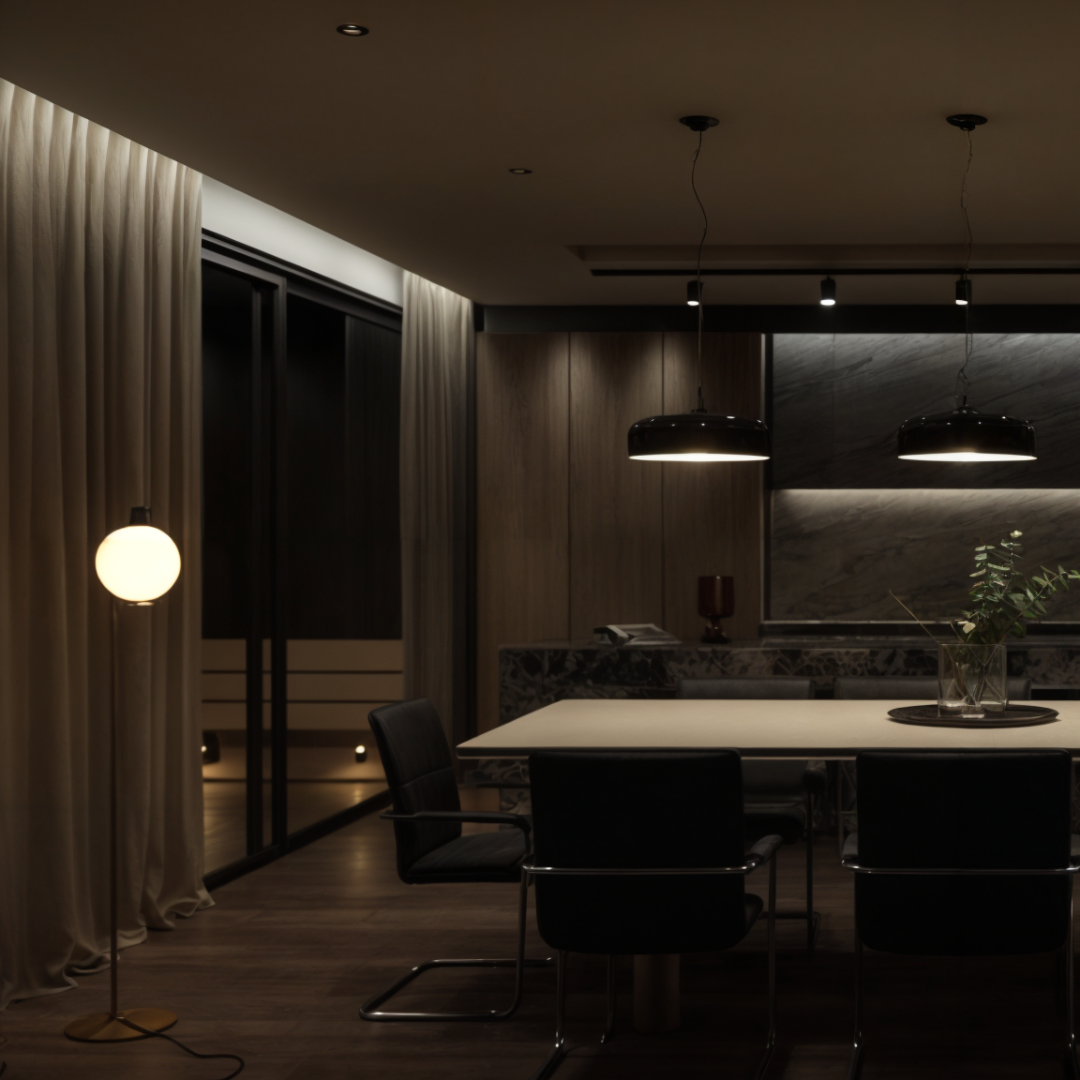
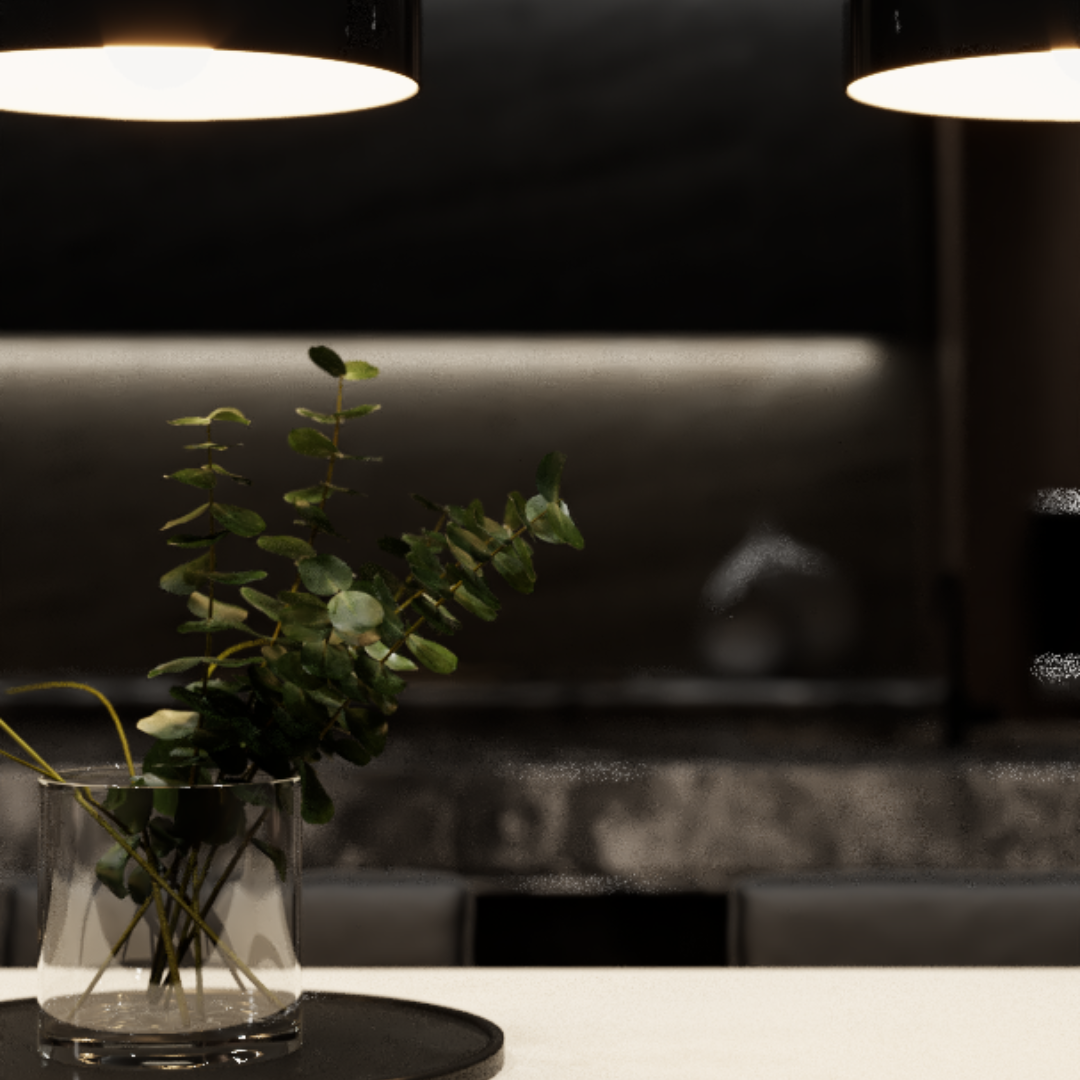
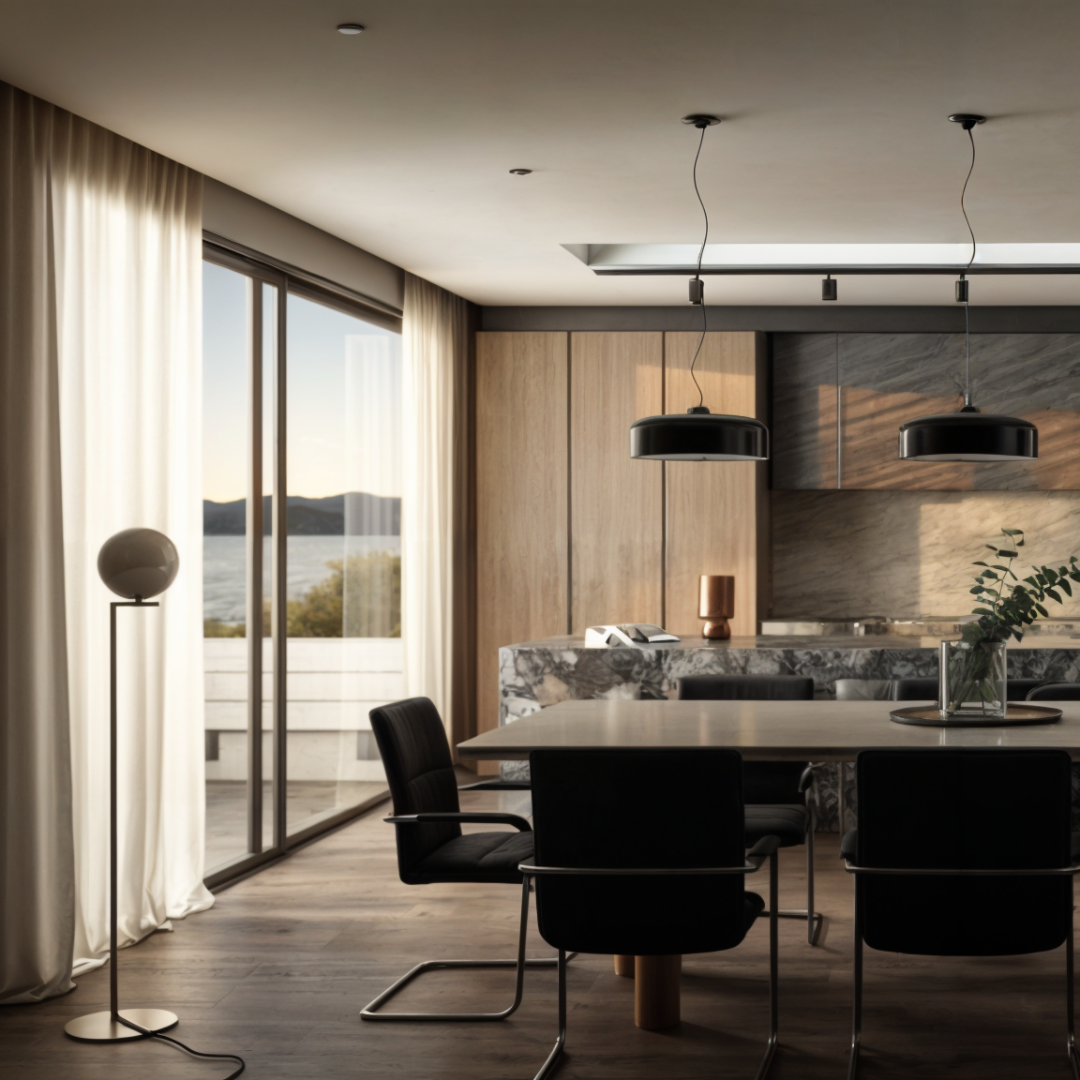
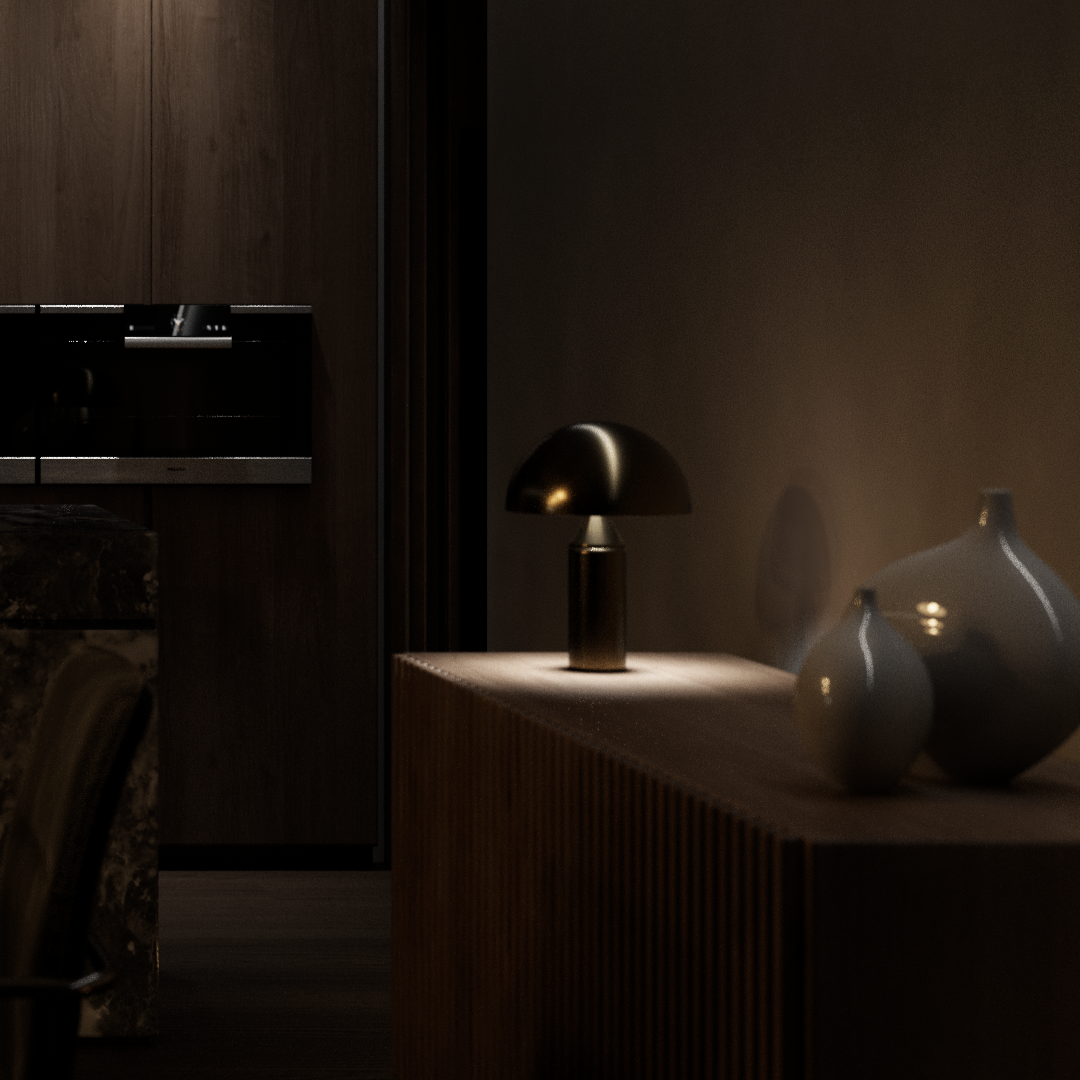
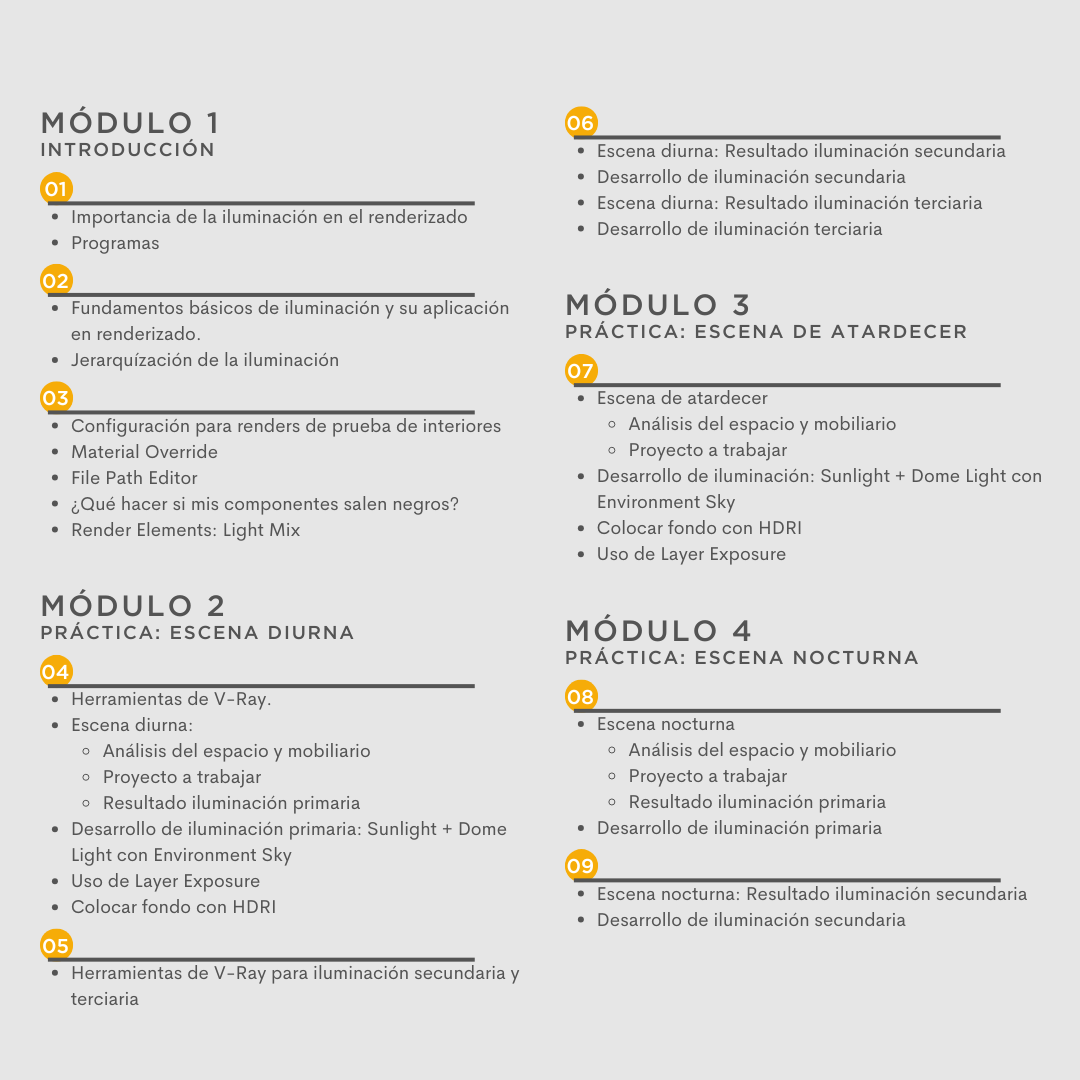
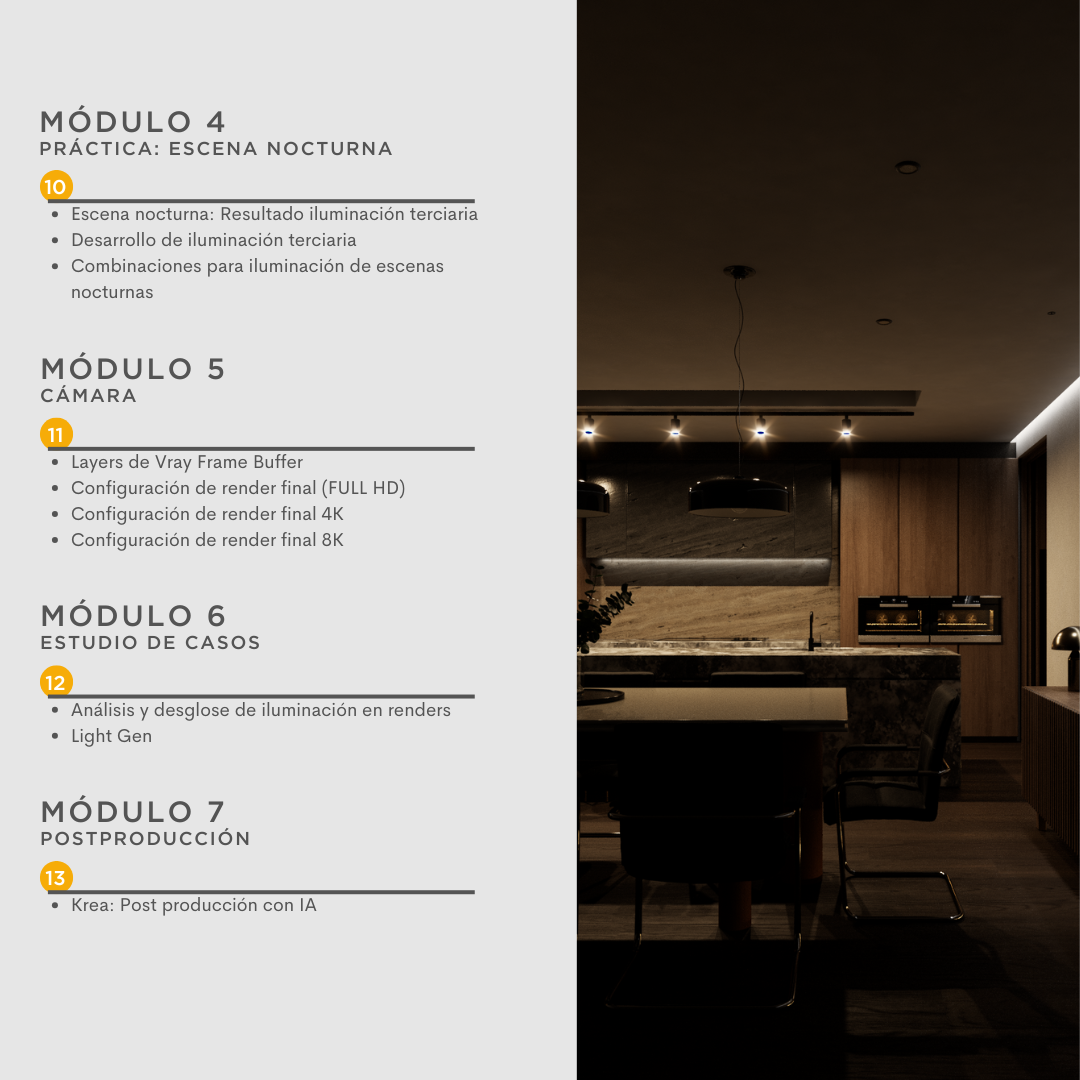
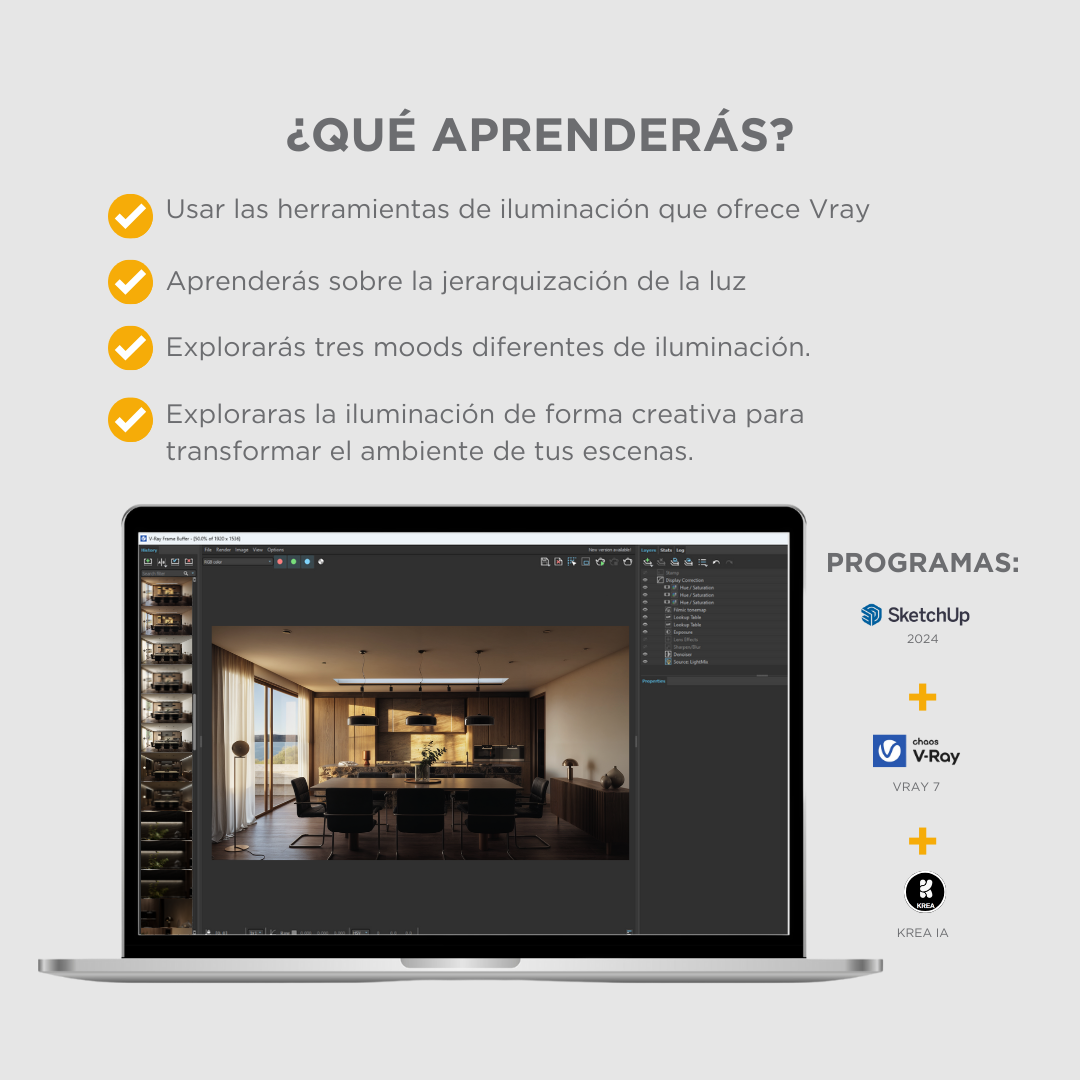


In this course, you'll learn how to use the various light sources offered by V-Ray 7 and how to analyze both the space and the furniture in the scene, with the goal of creating different lighting effects.

In this module, you'll get a brief introduction to the importance of lighting in rendering. You'll learn the basics of lighting and how it's applied to rendering with V-Ray 7.
In this model, you'll learn how to apply the correct lighting tools and parameters to create a daytime scene.
In this model, you'll learn how to apply the correct lighting tools and parameters to create a sunset scene.
In this model, you'll learn how to apply the correct lighting tools and parameters to create a night scene.
In this module, you'll learn how to edit and manipulate lighting from within V-Ray's frame buffer layers. You'll also learn how to configure your final render in Full HD and 4K quality, achieving record-breaking rendering without sacrificing quality.
In this module, we'll analyze the lighting in several renders (different from the course project) to see how lighting is handled in each case. You'll also learn how to use the Light Gen tool to automatically generate lighting.
After learning all the necessary aspects to creatively transform your scenes through lighting, you'll finally learn how to apply AI post-production, thus elevating the final result of your render.

-Personalized advice for one year
-Access to all classes for one year
-LUTS contrast pack
-Proof of course completion
-Bookstores
This course is designed to transform your ideas into images that capture attention and elevate the level of your projects.

Learn how to create renders that stand out in professional projects.

Enhance your presentations with stunning visualizations

Discover advanced techniques to explore the world of rendering

Architecture or Interior Design: Perfect your projects with professional quality tools

Create unique graphical representations using 3D rendering
Alonso Garcia
He is an architectural visualization professional with over seven years of experience in the sector. As founder and CEO of Visual Bricks, he has combined his experience and creative vision to produce high-quality images that have been recognized and admired internationally.
We answer the most common questions before you start your course.
These are pre-recorded online classes, with access to the course for one year. You can watch the classes whenever you want and as many times as necessary.
You don't need prior knowledge, we watch all the programs from 0
The course is in Spanish with the option of English subtitles.
Yes, we have students in Argentina, Venezuela, Colombia, Peru, Ecuador, Dominican Republic, Uruguay, Guatemala, Spain, Poland, Florida, France, Ivory Coast, South Africa, etc.
Sketchup 2021, Vray 6, Photoshop
And as a complement 3dsmax and Vray for 3dsmax
On each program's official website, if you don't want to purchase a plan, you can download the student or free trial version.
The course is designed for Windows. Yes, it can be done with a Mac, but it is not the most recommended, because there is a section where we export furniture and vegetation from 3dsmax, which cannot be done with a Mac.
Send us a message with your question to our Instagram account (@visualbricks) or Whatsapp (+52 1 443 273 1521)
We will provide you with a certificate of completion of the course if you send us your final renders.
We give them unlimited advice for one year.
We recommend taking the consultations after completing the courses. During these sessions, we'll address any questions you may have about the course and help you improve your renderings for personal projects. Each consultation lasts 45 minutes, and you can schedule one per week.
Just add the product to your shopping cart and choose a payment method.
You can pay with your credit or debit card or through PayPal.
We have the option to pay in 3, 6, and even 12 months interest-free with Mercado Pago (available only for Mexico)
If you are from Mexico, yes it is possible, just send us a message to our whatsapp (+52 1 443 273 1521) requesting the account number to make the purchase.
Once you log in to the page, you can find the course content in the "My Courses" section.
In the first video of module 1 of each course, there is a link named "DOWNLOADABLE RESOURCES" where you can find all the material you will need for the course.
In the last class of each course.
Send us an email (visualbricks.arquitectura@gmail.com) with your final course results and your full name. In the subject line, write "Certificate of Completion."
You can contact us via Instagram (@visualbricks), Whatsapp (+52 4439400222) or through the website chat.
